Nightly Download
Nightly Web
This nigthly brings many improvements to bone transform editing, as well as keyboard shortcuts.
Transform Rings
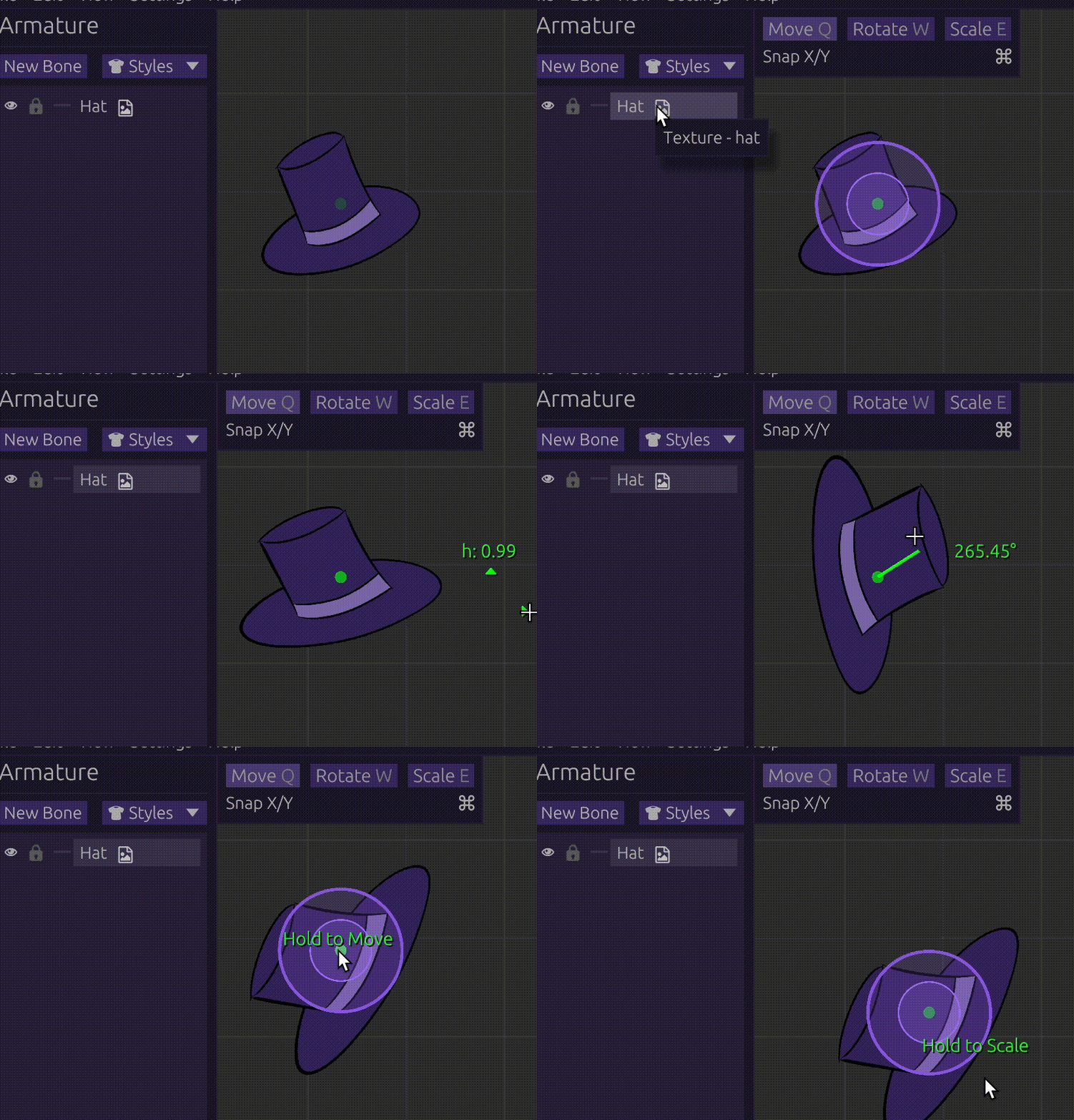
Previously, the 3 bone edit modes (Move, Rotate, Scale) were only doable via switching modes or inputting them. Transform rings provide a method of editing that removes the friction of switching modes, allowing for fast micro-adjustments and a beginner-friendlier workflow.
Upon selecting a bone, 2 rings will expand from its center point: the inner for Rotate, and outer for Scale. When the cursor is on any one of them, holding left click will initate that mode instead of what was selected. The center point itself is used for Move.
The rings' color and radius can be changed in Settings > Editing. The Rotate and Scale radius may be flipped so that one is bigger than the other.
Editing Modifiers & Snapping
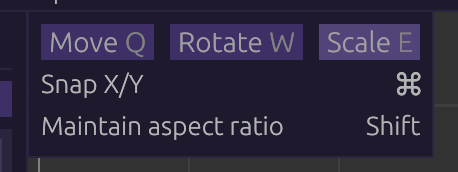
All 3 edit modes have received extra controls for more precise editing.
Rendering Helpers
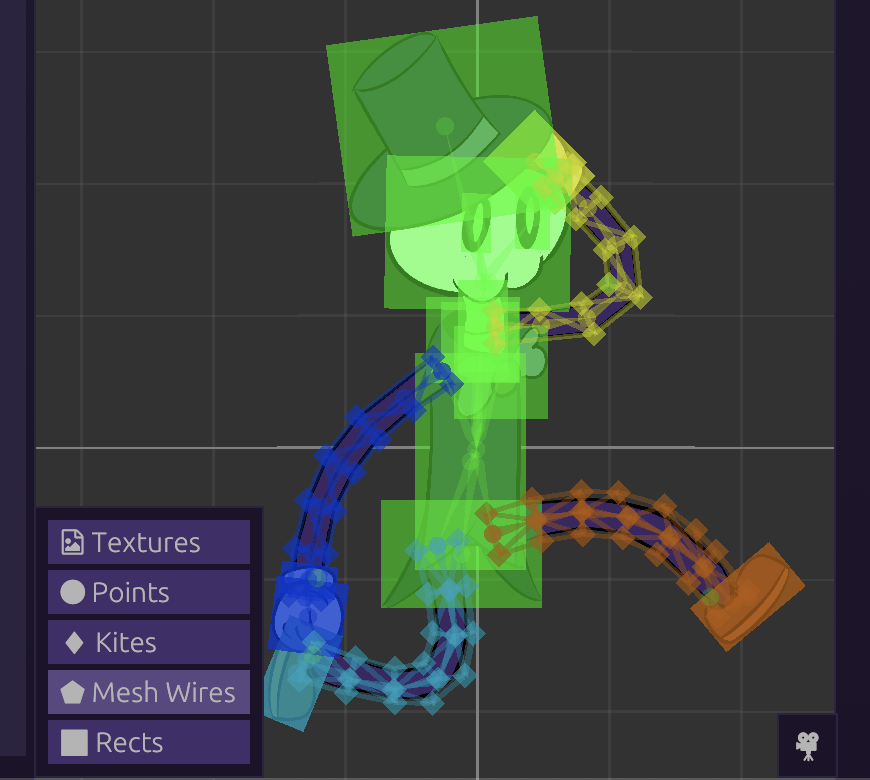
Rects and wireframes for textures and meshes have been added, along with an option to toggle textures altogether.
Keyboard Shortcuts
As well as new shortcuts, a few keys have been changed to accommodate a left-handed setup (no right-handed setups at the moment). This is to allow a workflow where the right hand is not needed to be taken away from the mouse.
All shortcuts below can be configured in Settings > Keyboard. The keys shown are their defaults.
Changed Keys
The following keys have changed defaults (may require clicking Default, as old ones are saved in config)
Left Arrow -> D - Previous animation frameRight Arrow -> F - Next animation frame
New Keys
A - switch armature/animation modeShift D - Prevoius animation keyframeShift F - Next animation keyframeSpace - Proceed with Yes on Yes/No modals (ignroed when exiting with unsaved changes)Q - Move edit modeW - Rotate edit modeE - Scale edit mode
Custom Language Importing
SkelForm uses JSON files for its localization. While there are no new languages to offer, custom ones may be loaded by providing the JSON with the proper structure (see en.json for an example).